







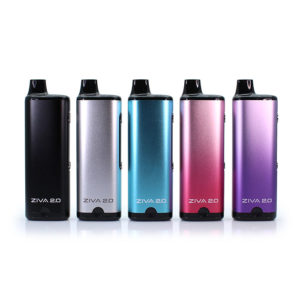
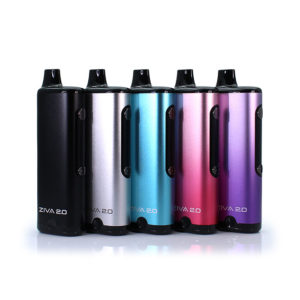
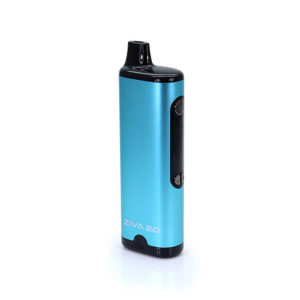
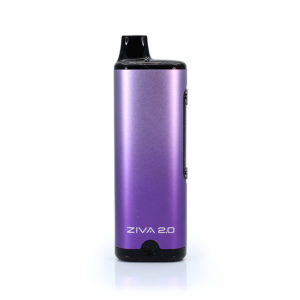
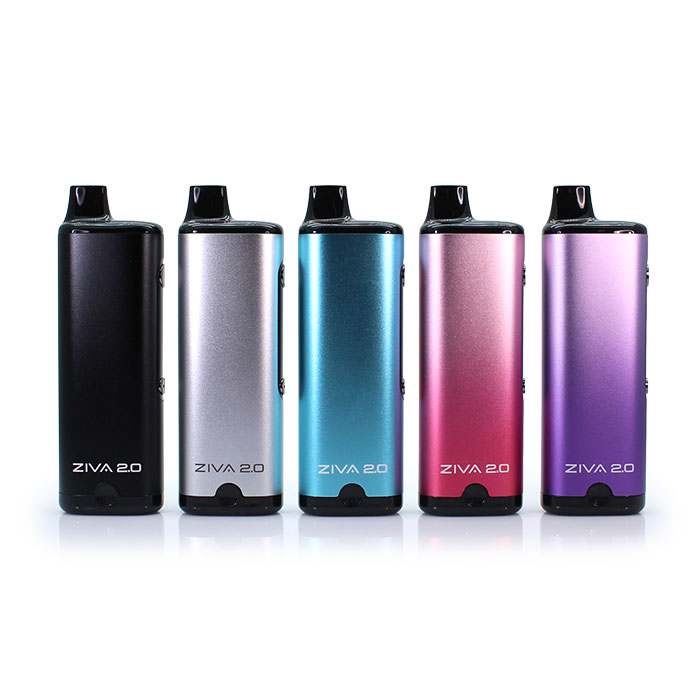
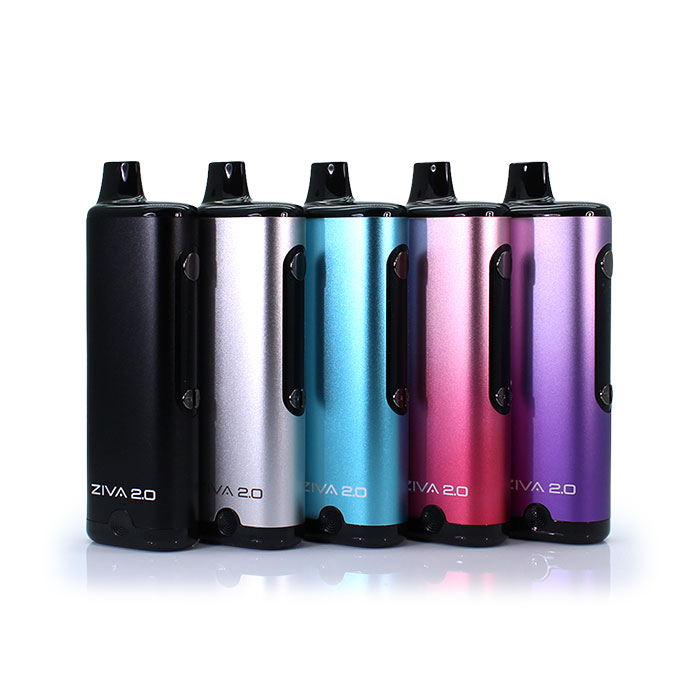
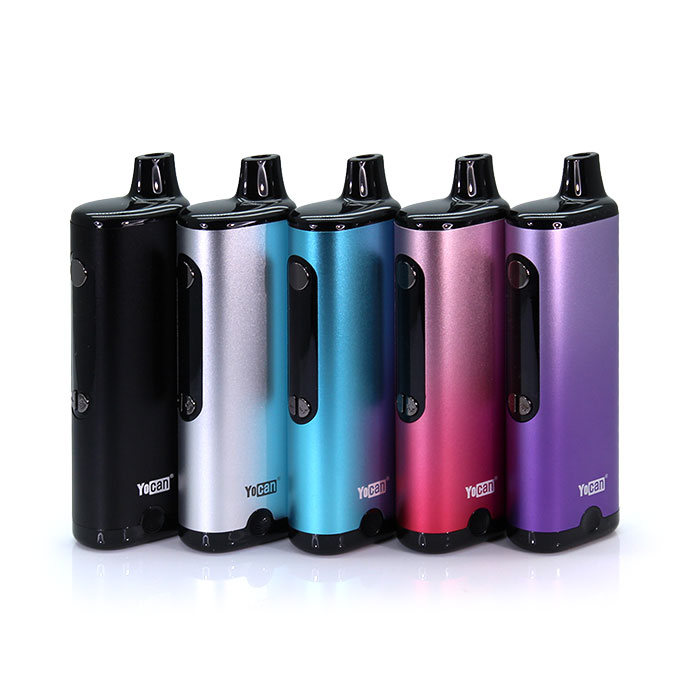
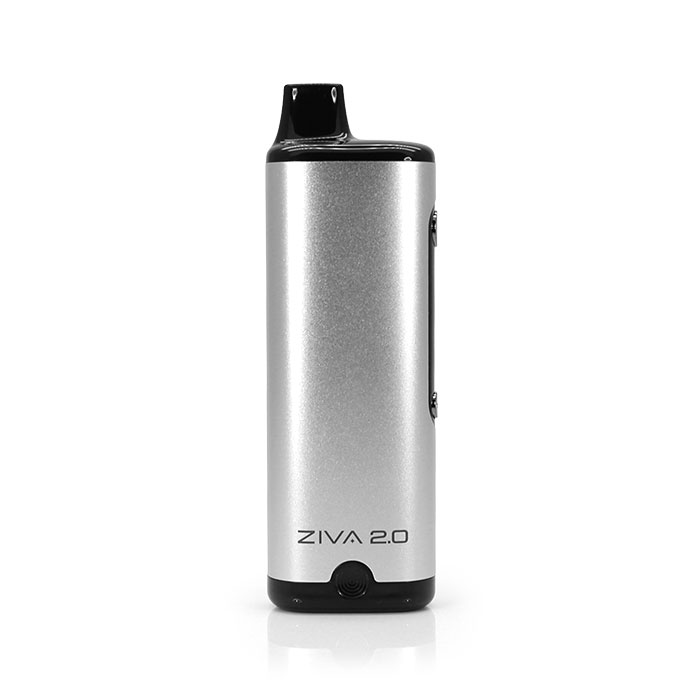
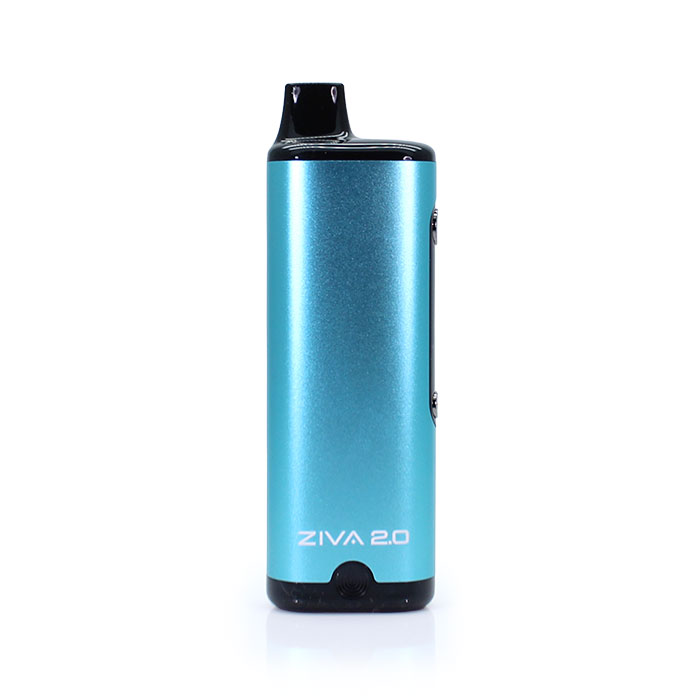
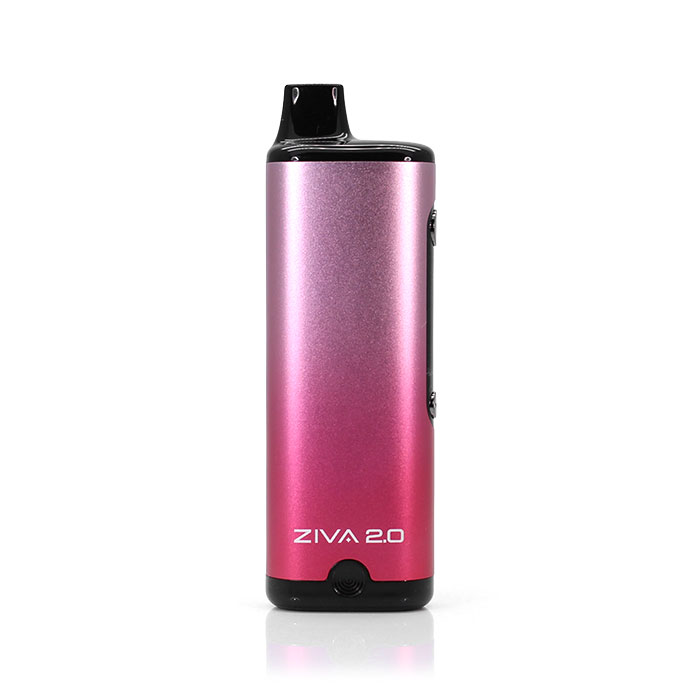
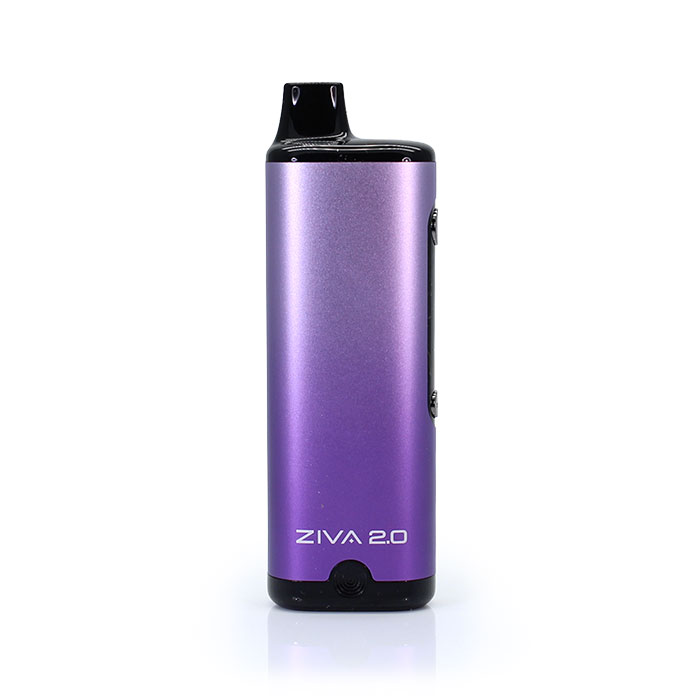






Yocan Ziva 2.0 Cart Battery
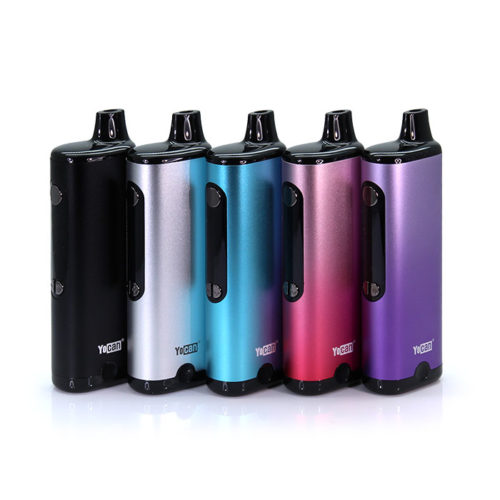
Dial in your sweet spot
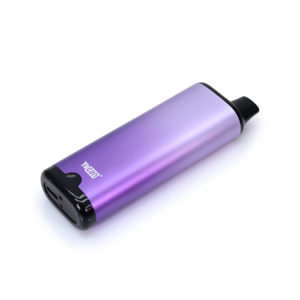
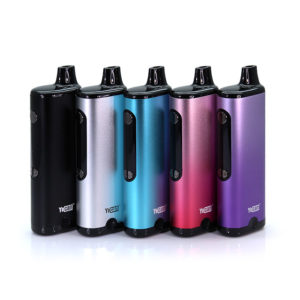
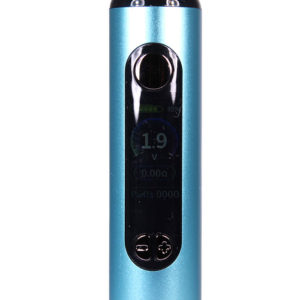
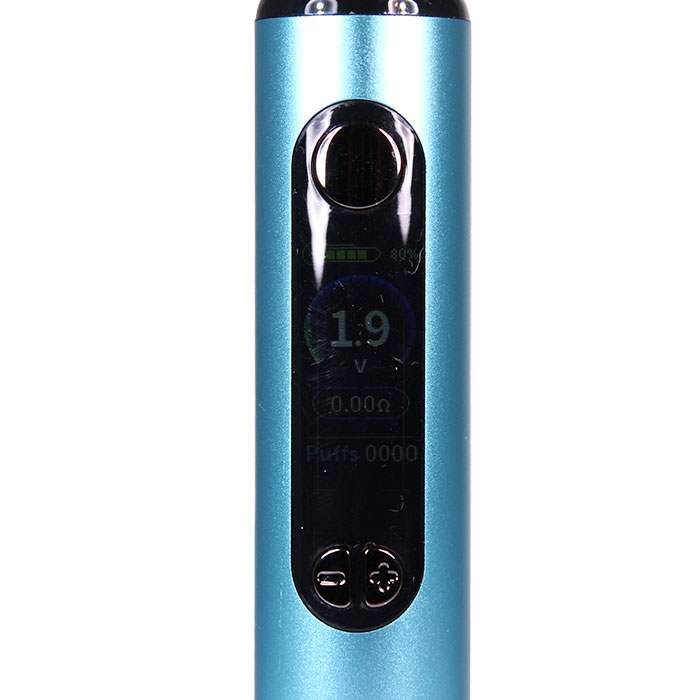
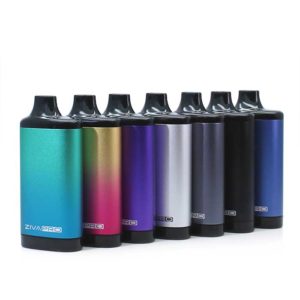
The Yocan Ziva 2.0 Cart Battery makes it easy to keep tabs on your session. Its color display puts the important details up front, showing your puff counter, voltage, and resistance so you can fine-tune your setup with more control. Pair that with the magnetic cartridge connection for quick, hassle-free loading, and you’ve got a 510 thread battery that keeps things simple, secure, and sleek. Add in the adjustable 1.8V–4.2V range, and the Ziva 2.0 gives you the freedom to find your sweet spot—whether you like your hits light and flavorful or a little bolder.
Three ways to play
The Yocan Ziva 2.0 gives you three ways to vape, so you can keep things easy, hands-on, or somewhere in between. Draw-activated mode lets you simply inhale and go, making it a great pick for quick, button-free sessions. Enter auto mode, and the Ziva 2.0 pushes out a 15-second stream of vapor for you—no extra buttons or breaths, just puffs pushed onto your palate. Manual mode gives you more direct control when you want to dial in each pull yourself. Plus, the 10-second preheat at 1.8V helps warm those thicker oils before you begin. And for a little extra peace of mind, the 15-second safety cut-off helps prevent overheating during longer draws. No matter how you like to hit it, the Ziva 2.0 makes it easy to get it!
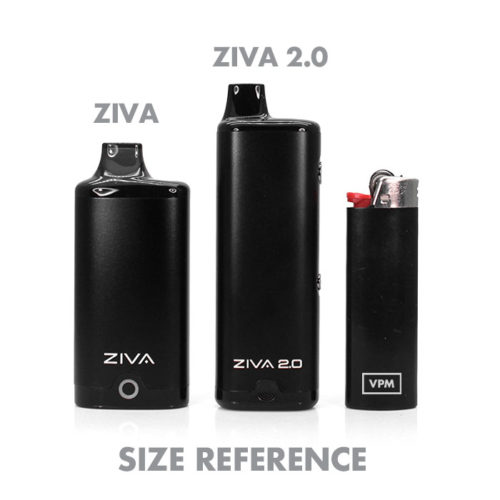
What’s the difference between the Yocan Ziva and Ziva 2.0 Cartridge Battery?
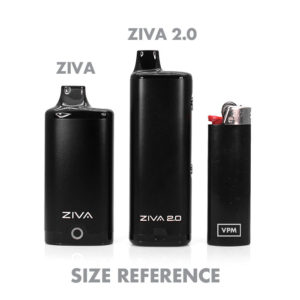
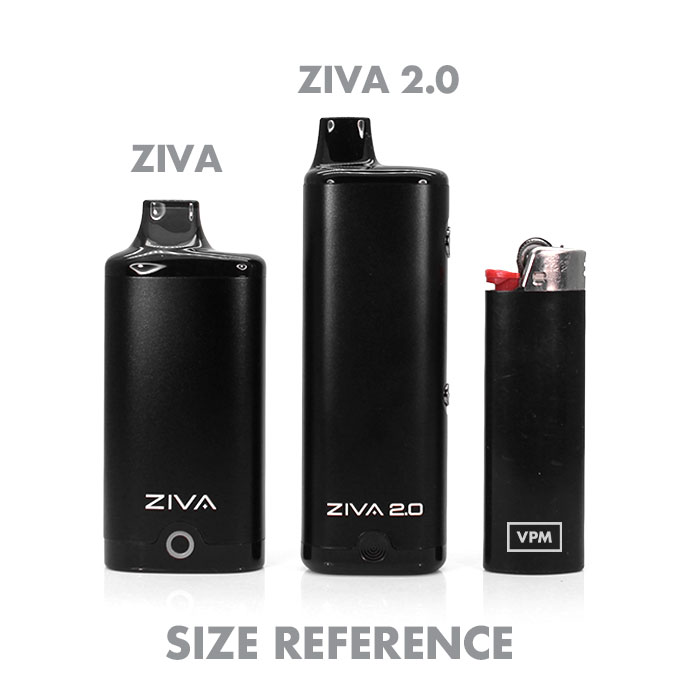
Think of the Yocan Ziva 2.0 as the original Ziva with a little extra swagger; this is how the 2.0 enhances the flow.
• Voltage control: The original Yocan Ziva uses 3 preset voltage settings—2.6V, 3.2V, and 3.8V. The Ziva 2.0 offers a wider 1.8V–4.2V range for more precise control over flavor and vapor production.
• Working modes: The original Ziva is inhale activated. The Ziva 2.0 adds more flexibility with draw-activated, auto, and manual modes.
• Screen display: The original Yocan Ziva keeps it simple without a display. The Ziva 2.0 upgrade features a clear display that makes settings and device status easier to view and track.
The original Ziva was all about keeping it incognito; the 2.0 proves you can stay discreet and still step up the control.
Quick hits
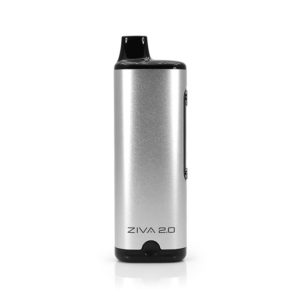
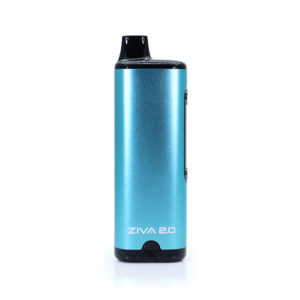
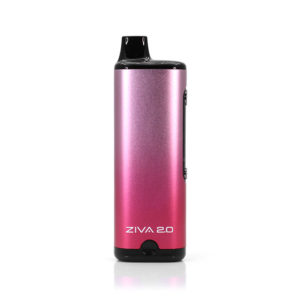
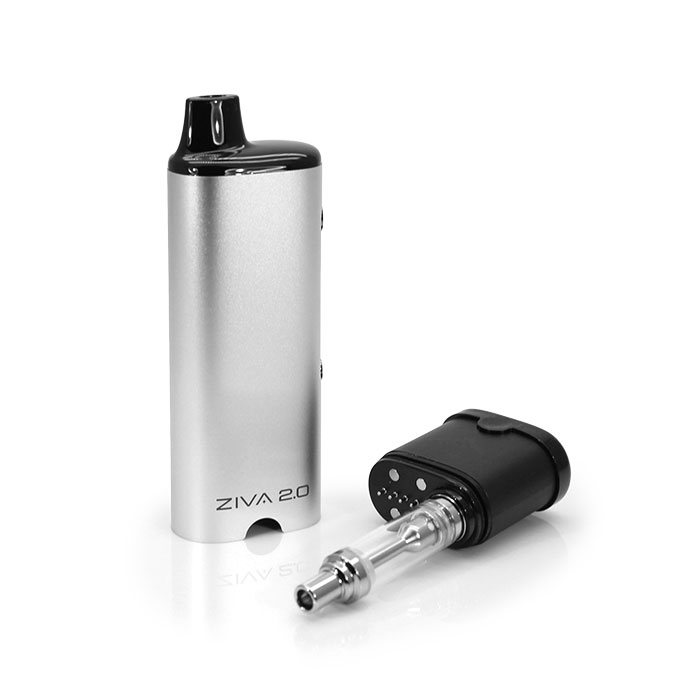
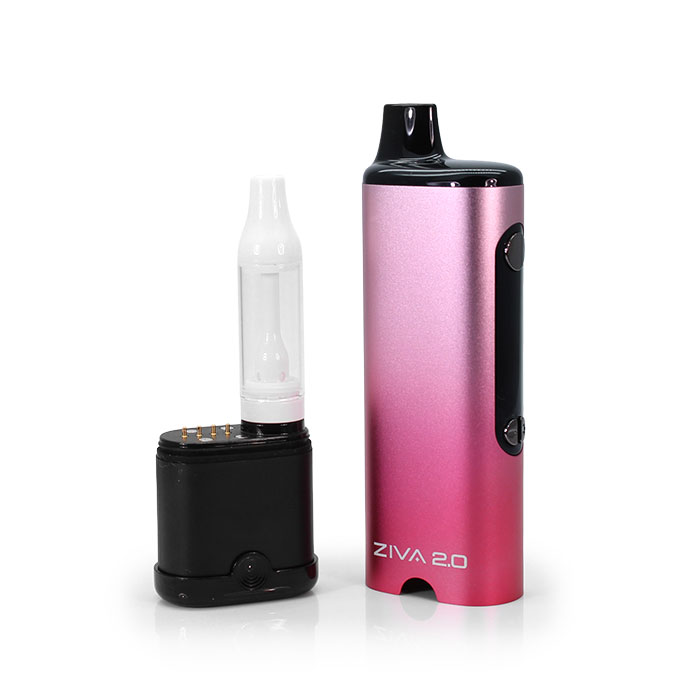
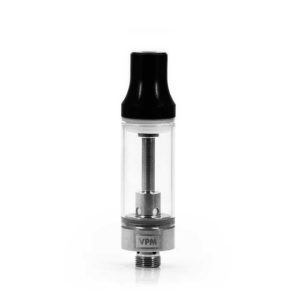
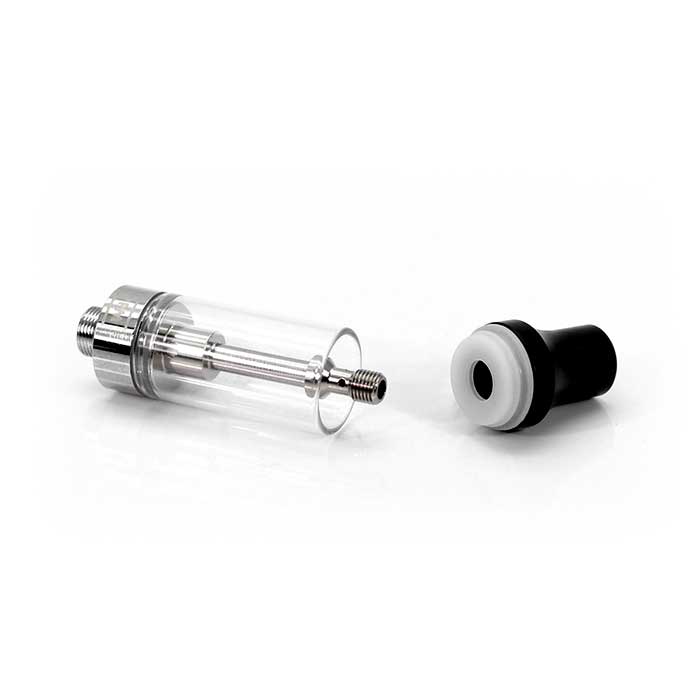
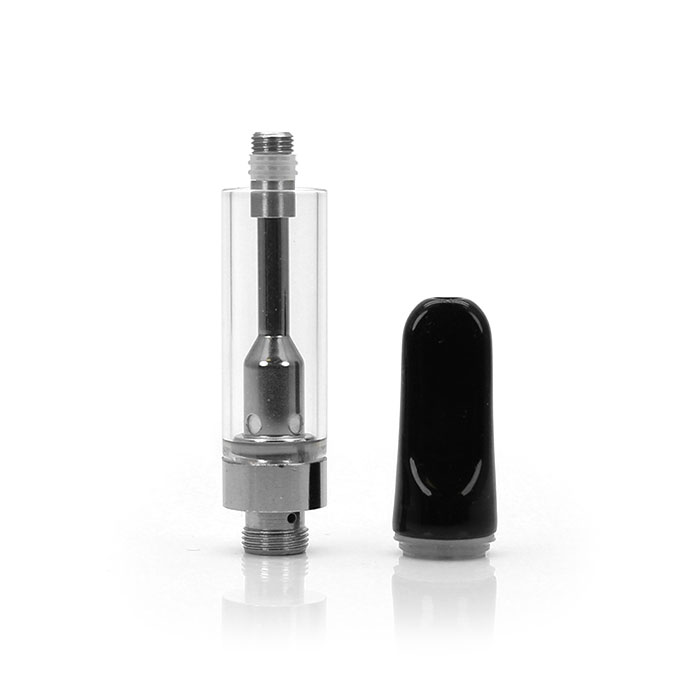
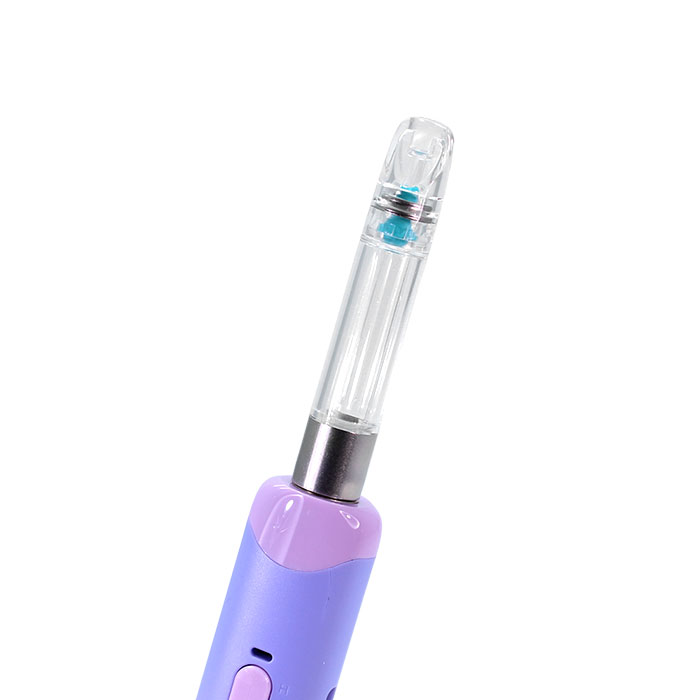
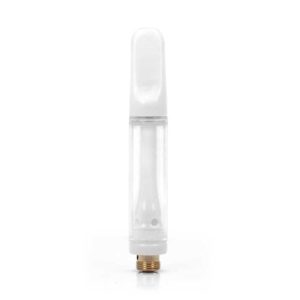
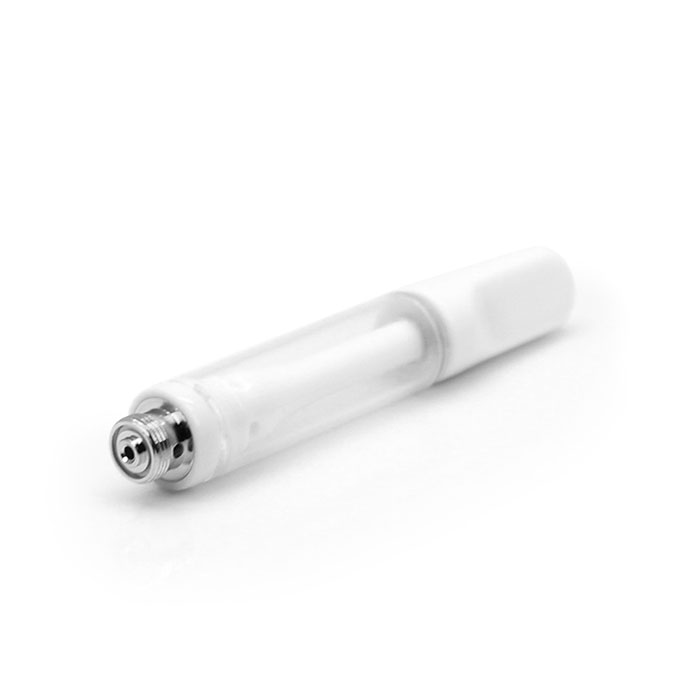
• Cartridge compatibility—built for flexibility, this 510 thread cart battery fits 0.5g, 1g and 2g oil cartridges up to 14mm wide while keeping your setup discreet and compact.
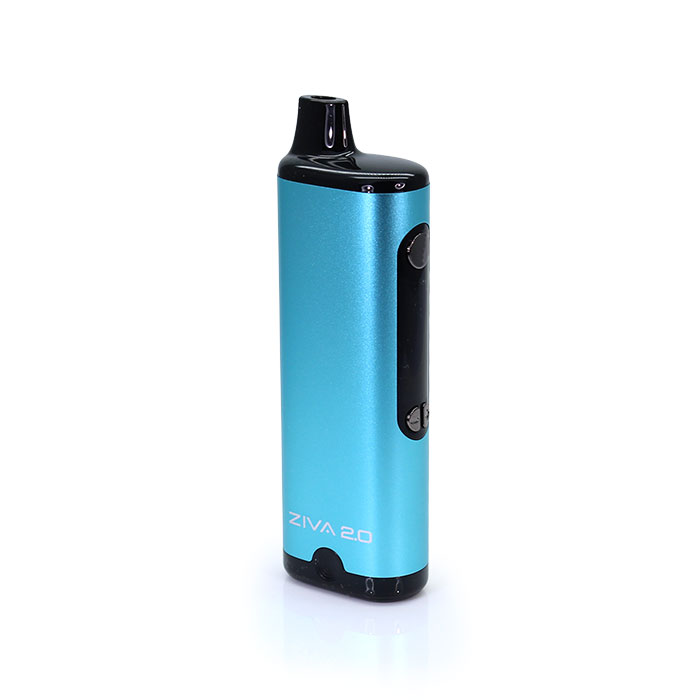
• Color display screen—displays puff count, voltage, and resistance for easier tracking and smarter sessions.
• Three vape modes—choose draw-activated, auto, or manual mode for a setup that matches your style.
• 1.8V-4.2V adjustable voltage—lets you dial in low for a flavor flow or higher for heavier hits and thicker clouds.
• 1.8V preheat function—warms up thick oil for smoother, more consistent draws.
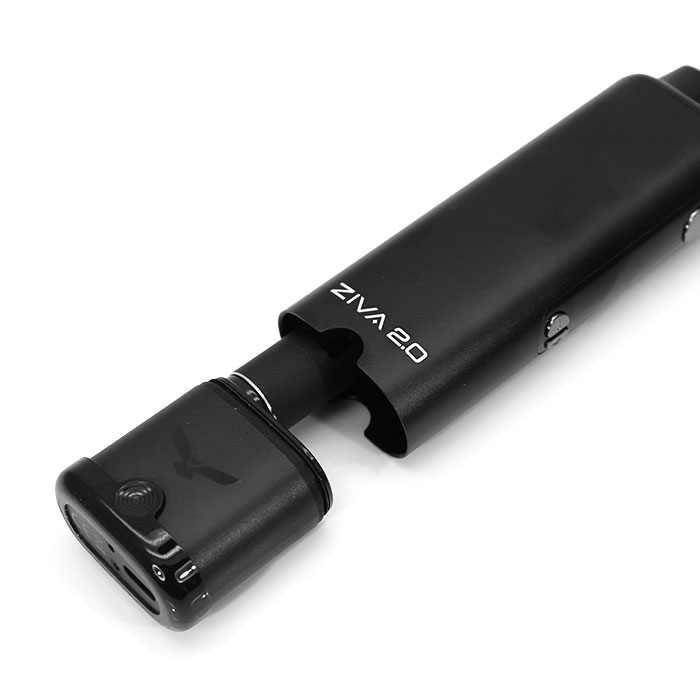
• Magnetic connection—quickly and conveniently snap your oil cartridge in place without fuss.
• 15-second cut-off—adds a layer of safety during extended pulls.
• 650mAh battery—gives this vape battery reliable power for everyday use.
FAQ about the Yocan Ziva 2.0 Incognito Cart Battery
Q: How do you turn the Yocan Ziva 2.0 on and off?
A: Quickly click the power button 5 times within 2 seconds to turn the device on or off.
Q: How do you preheat the Yocan Ziva 2.0 Cart Battery?
A: Quickly click the power button 2 times to start the 10-second preheat at 1.8V. This helps warm thicker oil for smoother pulls.
Q: How do you adjust the voltage on the Yocan Ziva 2.0?
A: With the vape powered on, click the power button 3 times quickly to adjust the voltage, then use the (+) and (–) buttons to select your setting.
Q: How do you reset the puff counter?
A: Click and hold the (–) button and the power button at the same time to reset the puff counter.
Q: How do you use the 3 working modes?
A: The Yocan Ziva 2.0 offers draw-activated, auto mode, and manual mode:
• Draw-activated mode: Simply inhale and the device will activate automatically.
• Auto mode: Press and hold the (+) and (–) buttons together for 1 second.
• Manual mode: Press and hold the power button while inhaling.
Q: What is the benefit of draw-activated mode?
A: Draw-activated mode keeps things simple and button-free. Just inhale and go, making it great for quick, easy sessions.
Q: What is the benefit of auto mode?
A: Auto mode is useful when you want a more effortless pull without holding the power button the entire time.
Q: What is the benefit of manual mode?
A: Manual mode gives you more hands-on control over each hit, which is great if you prefer a more customized vape experience.
Q: Is the Yocan Ziva 2.0 compatible with larger cartridges?
A: Yes. The Ziva 2.0 is designed to fit 1g and 2g cartridges and supports carts up to 14mm wide.
Q: Is the Yocan Gold 3g cartridge compatible with the Yocan Ziva 2.0?
A: No. While the Ziva 2.0 fits many larger carts, the Yocan Gold 3g cartridge is not compatible.
Q: How do you install a cartridge in the Yocan Ziva 2.0?
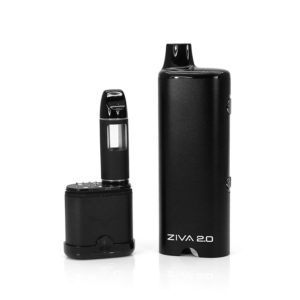
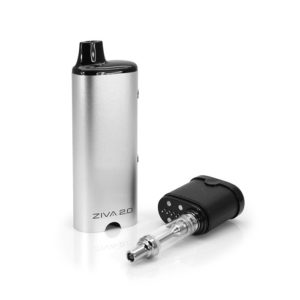
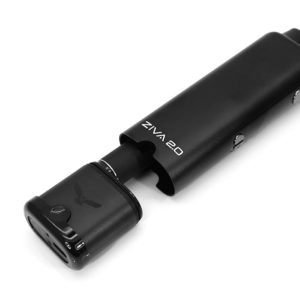
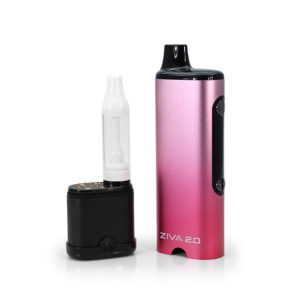
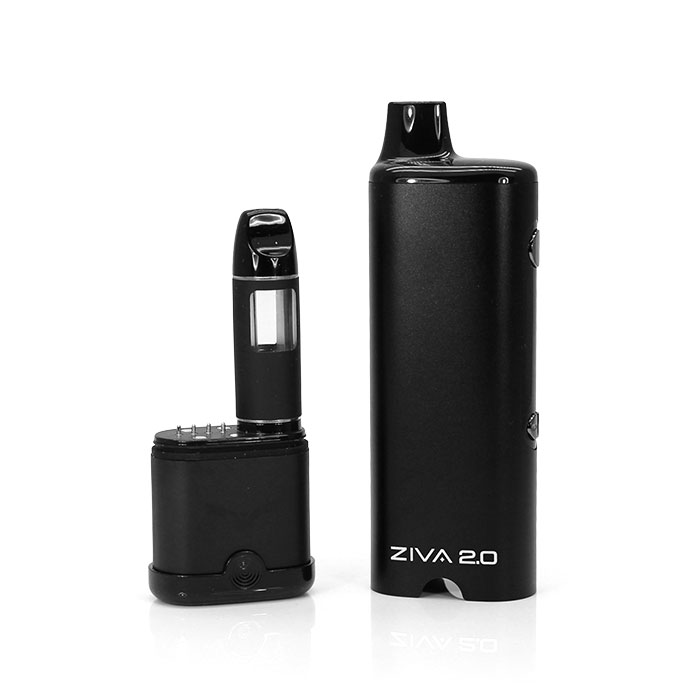
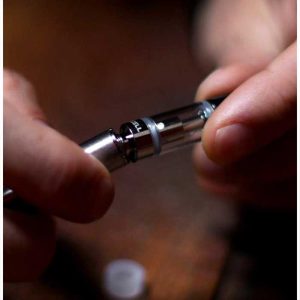
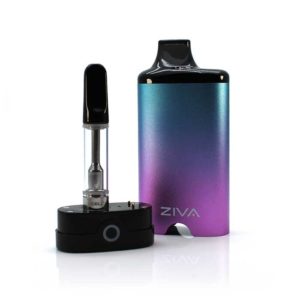
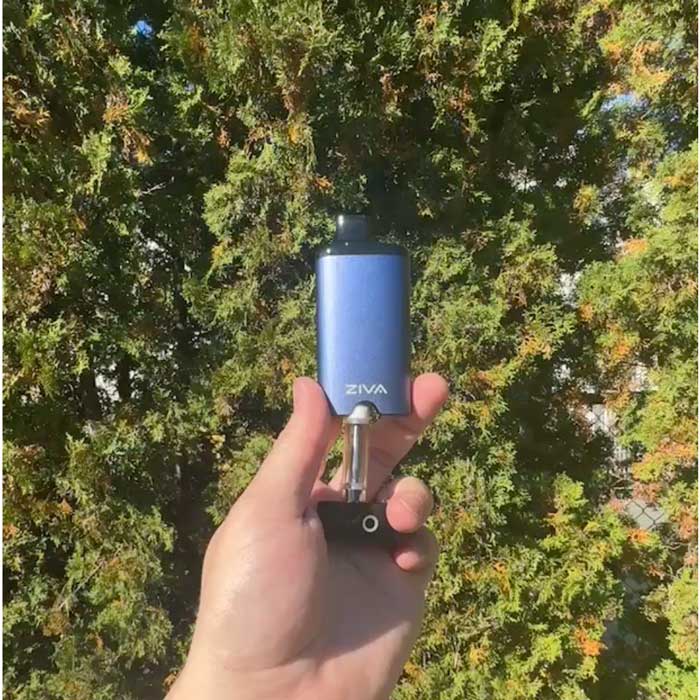
A: Pull out the connection base, attach your 510 thread cartridge, then place the connection base back into the device.
Q: Does the Yocan Ziva 2.0 support fast charging?
A: No. Fast charging is not supported.
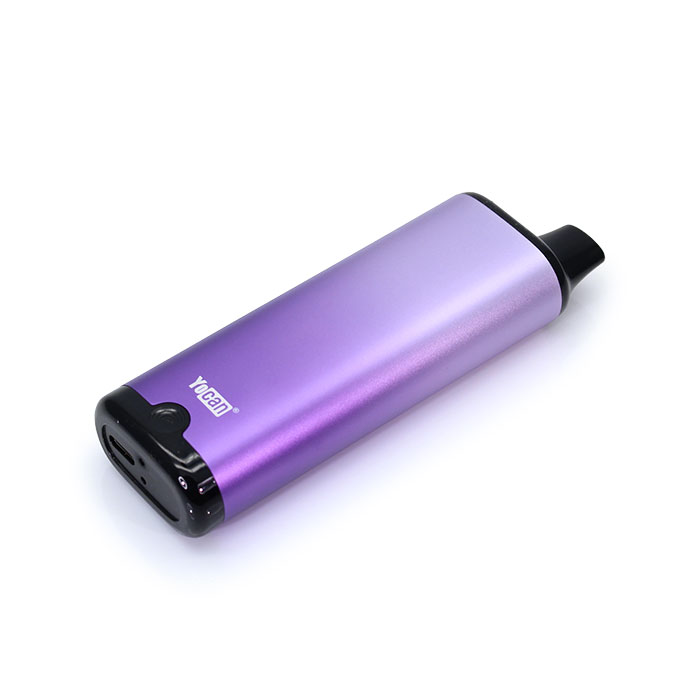
Q: How long does the Yocan Ziva 2.0 take to charge?
A: Charging takes around 1 hour.
Q: How do I know when the Yocan Ziva 2.0 is fully charged?
A: The screen displays “100” when fully charged and automatically turns off after about 5 minutes.
Q: Does the Yocan Ziva 2.0 have a safety cut-off?
A: Yes. The device has a 15-second safety cut-off to help prevent overheating during extended use.
Q: Does the Yocan Ziva 2.0 shut off automatically?
A: Yes. The device will auto shut off after 1 hour.



















Reviews
There are no reviews yet.